SmartFarm AI: Crop Disease Detection, Yield Prediction and Farmer Community, a Python Final Year Project with Source Code
Upload a leaf photo and the app names the disease. Enter rainfall and temperature and it predicts yield. It’s a Flask and TensorFlow AI final year project with 7 ML/DL models, a farmer forum and a marketplace already built in.
Technology Used
Python | Flask | TensorFlow | Keras | scikit-learn | OpenCV | SQLite | Bootstrap 5 | Chart.js


Project Files
Abstract
SmartFarm AI is a Flask web application that gives farmers AI-backed advice on what to grow, how much they'll harvest, which fertilizer to use and what's wrong with a sick plant. It runs five classic machine learning models (Random Forest and Linear Regression, built with scikit-learn) and two deep learning image models: a VGG16 CNN that detects 33 leaf diseases across 9 plant species, and a MobileNetV2 CNN that classifies 30 crop types from a photo. Around the models there's a full community layer with a discussion forum, a buy/sell marketplace, expert advice and local farmer connections. It also has role-based dashboards for Admin, Farmer and User.
Most agriculture projects you'll find online do one thing. This one does nine.
What This Project Actually Does
Picture a farmer in Karnataka with a tomato plant whose leaves are going yellow-brown at the edges. They open SmartFarm AI, upload a photo of the leaf, and a few seconds later the app tells them it's likely early blight. It shows how confident it is, lists the next two most likely diagnoses, and suggests a treatment. That's the image side.
The data side covers planning. Enter your soil type, pH, season, water availability and market preference, and the crop recommender ranks crops by suitability score, expected yield and profit margin. Enter rainfall, pesticide usage and temperature, and the yield model estimates output in hg/ha. The fertilizer advisor gives NPK dosages based on crop, soil, growth stage and field size, and adds an application schedule and a rough cost.
Every prediction gets saved to the user's history. So when your guide asks "where does the data go?", you can open the dashboard and show them.
Key Features
AI Prediction Modules
- Crop Yield Prediction: A Random Forest Regressor (
yield_prediction_model.pkl) predicts yield in hg/ha from rainfall, pesticide and temperature inputs. Inputs are normalized throughyield_scaler.pklbefore inference. - Disease Risk Assessment: A Random Forest Classifier labels risk as Low, Medium or High from environmental conditions, then shows prevention steps matched to that level.
- Fertilizer Recommendation: Gives NPK dosage for the crop, soil, growth stage and field size you enter, with a schedule for when to apply it and an estimated cost.
- Weather Prediction: Linear Regression on historical data forecasts rainfall trends for a chosen year. It's simple, but your examiner can follow the math, which helps in a viva.
- Crop Recommendation: Takes 10+ inputs (soil type, pH, season, water, market preference and more) and returns ranked crops from a pool of 20+, each with a suitability score.
Deep Learning Image Analysis
- Plant Disease Detection: A VGG16-based CNN (
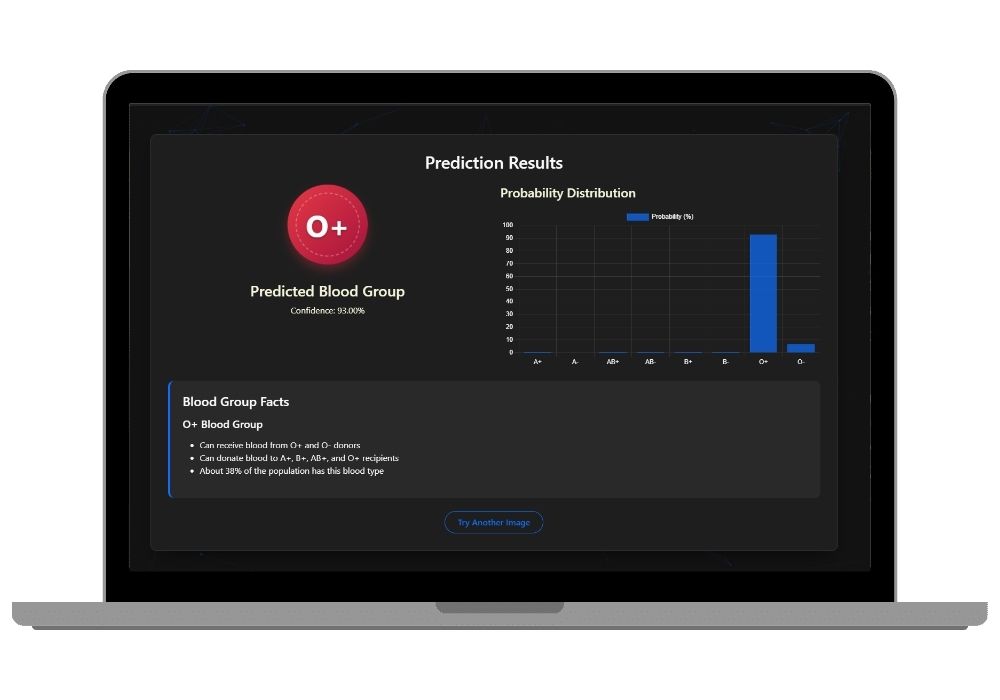
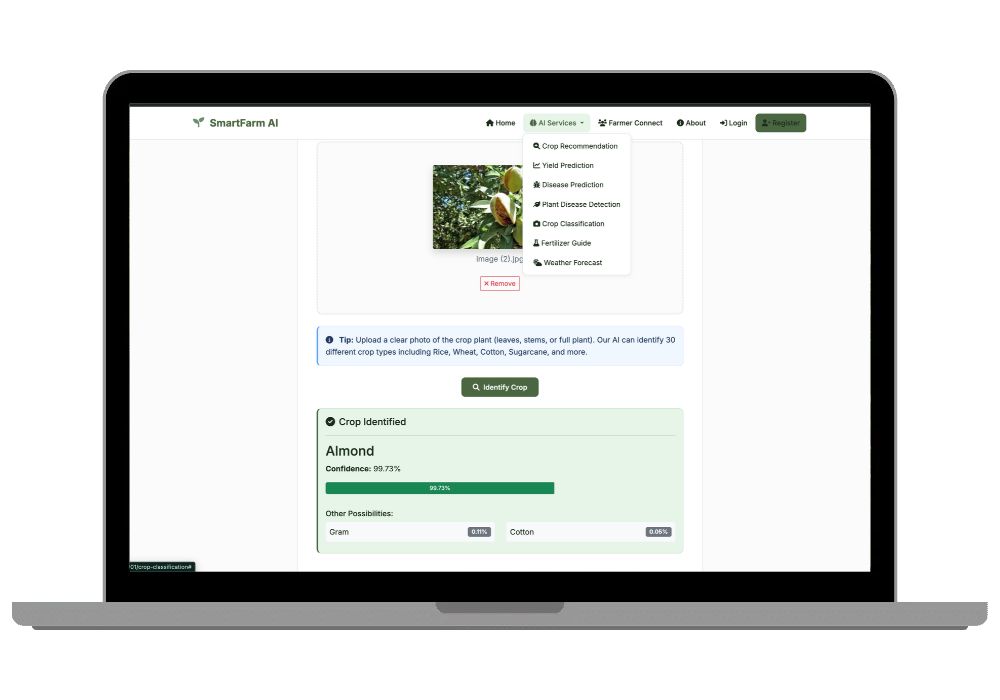
leaf_disease_model.h5) covers Apple, Cherry, Corn, Grape, Peach, Pepper, Potato, Strawberry and Tomato, with 33 conditions in total. You get the confidence score, the top predictions and treatment advice. - Crop Classification: A MobileNetV2 CNN (
crop_cnn_model.keras) identifies 30 crops from a photo, including Rice, Wheat, Cotton, Sugarcane, Tea, Coffee, Jowar and Pearl Millet. These are the crops Indian examiners actually recognise.
Farmer Connect Community
- Discussion forum where posts are tagged by crop and topic (Disease Management, Pest Control, Soil Management and so on)
- Marketplace for listing crops, seeds, equipment and inputs, with price, quantity and location
- Expert Advice page for connecting with agricultural experts and extension officers
- Local Connections, which matches nearby farmers by location and crop interest
User Management
- Three roles (Admin, Farmer, User), each with its own dashboard
- Admin panel with platform stats, user management, forum moderation and marketplace oversight
- Prediction history with detail modals that show the exact input parameters and the result
- Passwords hashed with Werkzeug, and session-based login through Flask
Tech Stack at a Glance
Backend is Flask 2.3.3 with SQLite. The ML side uses scikit-learn 1.3.0. Deep learning runs on TensorFlow/Keras, with OpenCV and Pillow handling image preprocessing. The frontend is Bootstrap 5, Font Awesome 6 and the Inter font, with Chart.js for graphs in the browser. Training visualizations were made with matplotlib and seaborn inside the notebooks. There are 19 Jinja2 templates and 11 REST-style API endpoints, such as /api/detect-plant-disease and /api/recommend-crop.
Training Notebooks Included
This part gets skipped a lot, and it matters. You don't only get .pkl and .h5 files you can't explain. You get the notebooks that produced them: training.ipynb for the yield, disease-risk and weather models, crop_classification_training.ipynb for the MobileNetV2 model, and PlantDiseas.ipynb for the VGG16 leaf model. When the external examiner asks "how did you train this?", open the notebook and walk them through it.
Database Design
Four tables, all in SQLite:
usersstores accounts with role and profile infopredictions_historystores each prediction with its type, input JSON and result, linked to the userforum_postsstores questions with category and crop tagsmarketplace_listingsstores buy/sell listings with item details and location
The database creates itself on first run through database.py, so there's no MySQL setup to fight with.
The Honest Part
Here's the thing: the hard bit isn't the code, it's TensorFlow. Get the Python version wrong and TensorFlow either refuses to install or loads the .keras model with a confusing error. Stick to Python 3.10 and you'll skip most of that pain. The installation guide below covers it.
But the part that's easier than it looks is the model training. You don't need a GPU or three days of compute. Pre-trained models are already in the models/ folder, so python app.py works on a normal college laptop. Retraining is optional, mostly useful if your guide wants you to show the process live.
Real-World Applications
- Krishi Vigyan Kendras and agricultural extension officers screening leaf samples farmers bring in
- Farmer Producer Organisations (FPOs) planning which crops to sow for the coming season
- Agri-input dealers suggesting fertilizer quantities instead of guessing per bag
- Agritech startups prototyping a crop-advisory app before raising money
- Village-level digital kiosks where farmers can ask questions and trade produce locally
Who Should Buy This
If you're a student who needs a working project for your college submission, final-year project, semester project, internship, or academic demonstration, this is for you. Whether you're studying BCA, B.Tech, MCA, M.Tech, Computer Science, IT, AI, Data Science, or another related field, you can choose a project that fits your requirements. If you need the source code, project report, documentation, or help setting up and running the project, CodeAj gives you the resources and support to get started faster.
It especially suits you if your college wants a "socially relevant" topic. Agriculture lands well with Indian panels every time, and it's hard to call this a toy project when it combines classic ML, CNNs and a full user system.
Why CodeAj
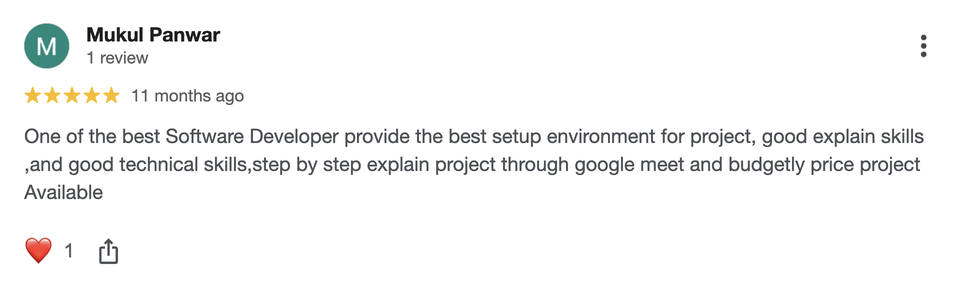
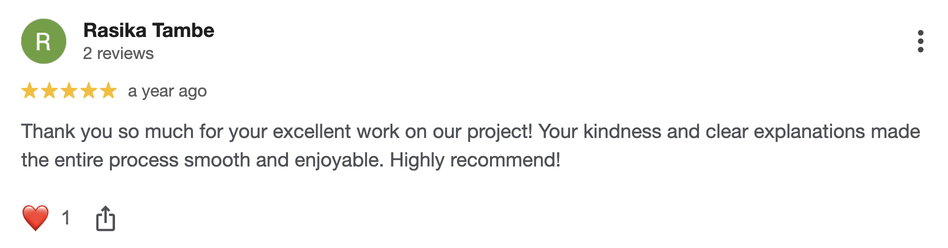
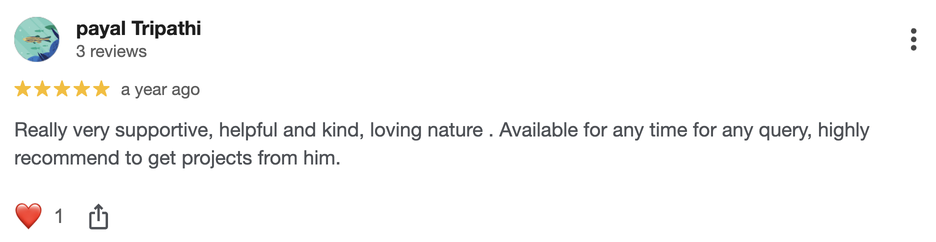
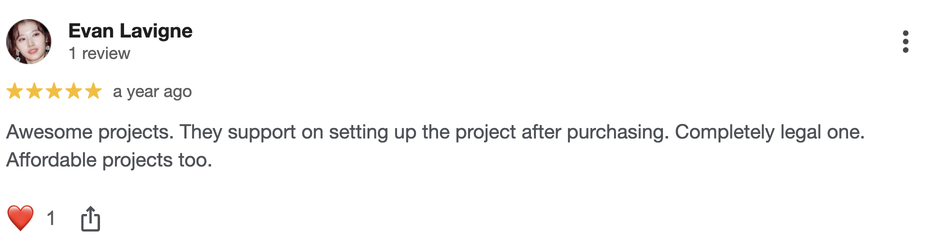
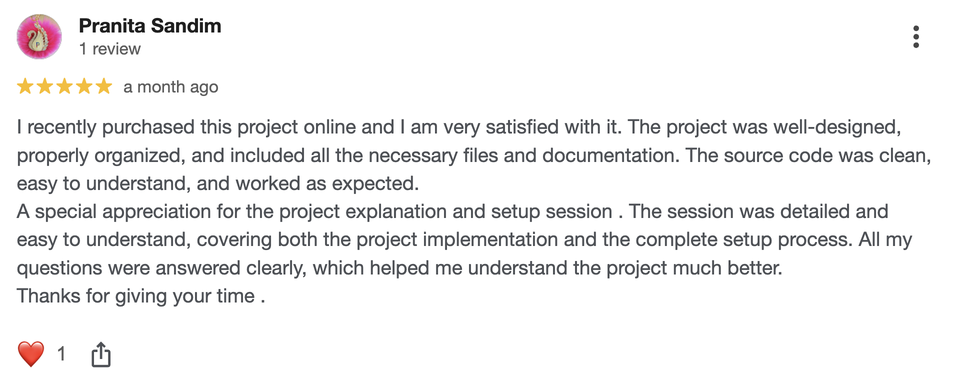
You don't just download a zip and pray. You get the complete source code, the trained models, the training notebooks and a project report you can adapt to your college format. If something breaks on your machine, whether it's a TensorFlow install error, a missing package or a model that won't load, our team helps you get it running over a setup call. Plenty of students have presented projects like this one; a few of their stories are on our success stories page.
Explore More Projects Like This
If you like the Flask side of things, browse our other Flask projects with source code. Want more image-based AI? The computer vision projects section has a few that pair well with this one. And if you're still choosing a topic, start with the full list of AI and ML final year projects.
Frequently Asked Questions
Extra Add-Ons Available – Elevate Your Project
Add any of these professional upgrades to save time and impress your evaluators.
Project Setup
We'll install and configure the project on your PC via remote session (Google Meet, Zoom, or AnyDesk).
Source Code Explanation
1-hour live session to explain logic, flow, database design, and key features.
Want to know exactly how the setup works? Review our detailed step-by-step process before scheduling your session.
₹999
Custom Documents (College-Tailored)
- Custom Project Report: ₹1,500
- Custom Research Paper: ₹1,000
- Custom PPT: ₹800
Fully customized to match your college format, guidelines, and submission standards.
Project Modification
Need feature changes, UI updates, or new features added?
Charges vary based on complexity.
We'll review your request and provide a clear quote before starting work.