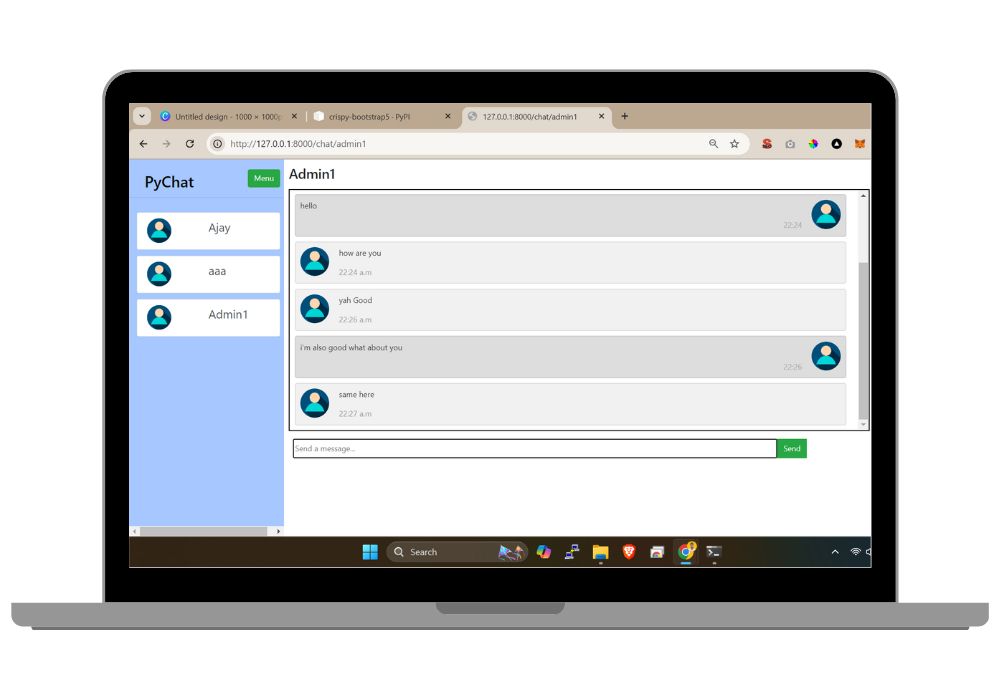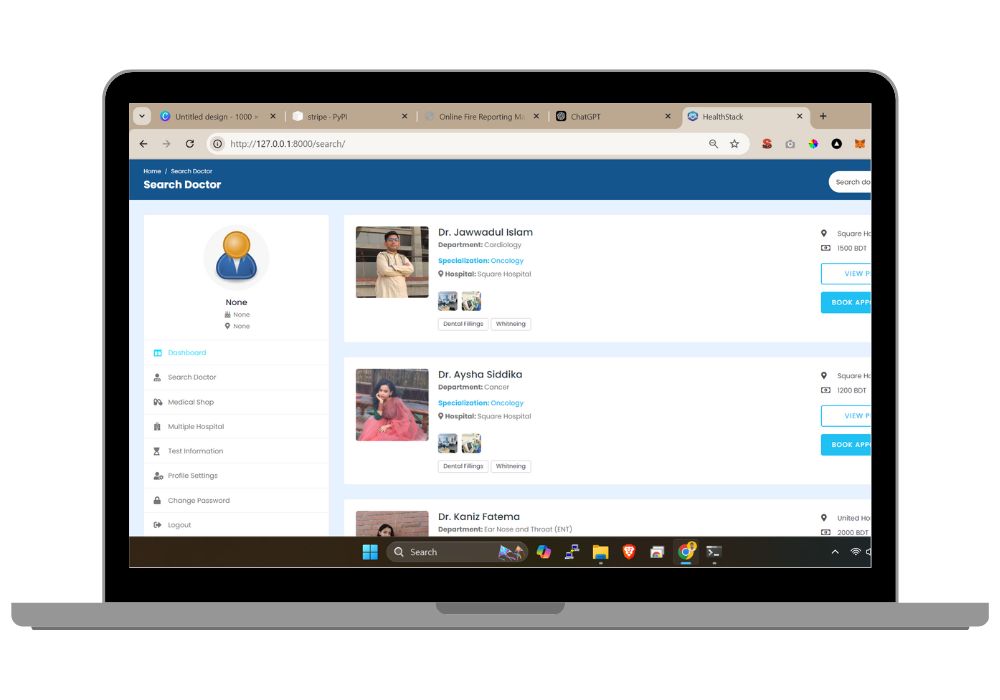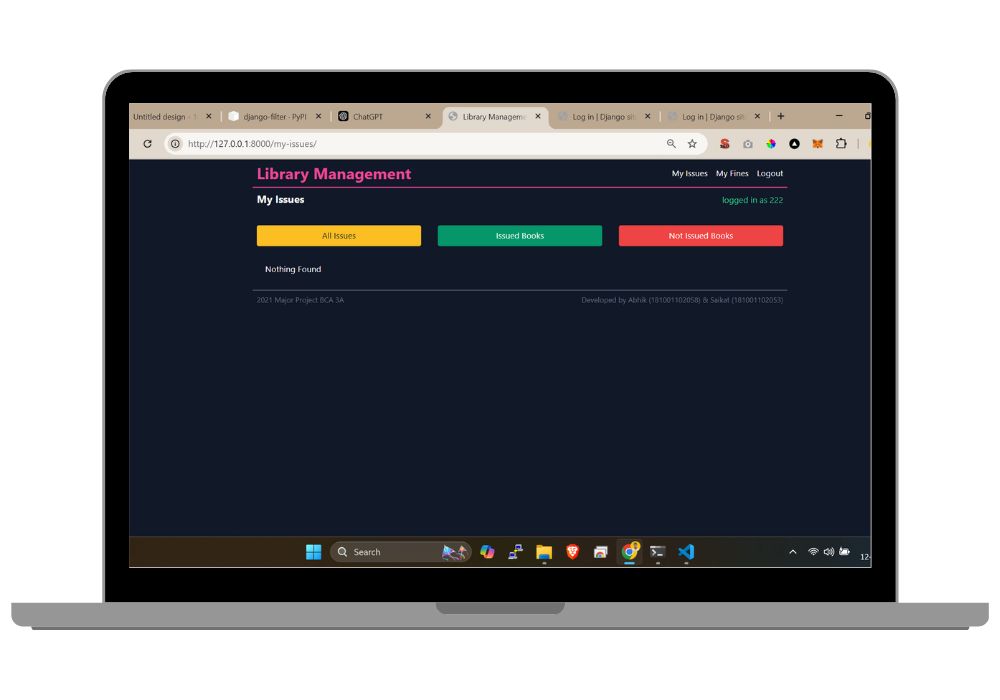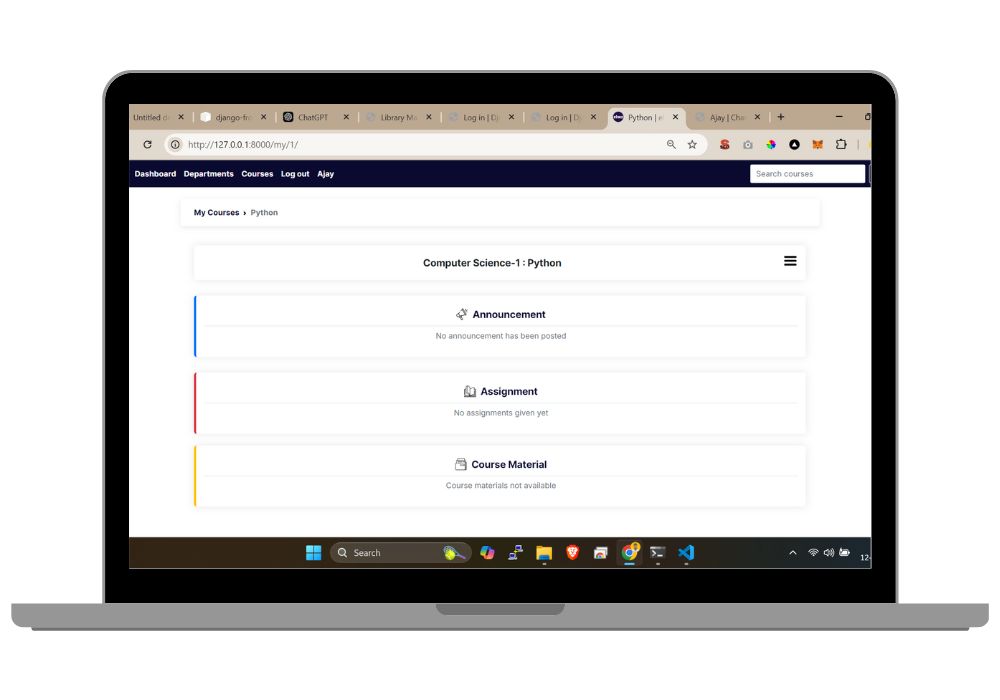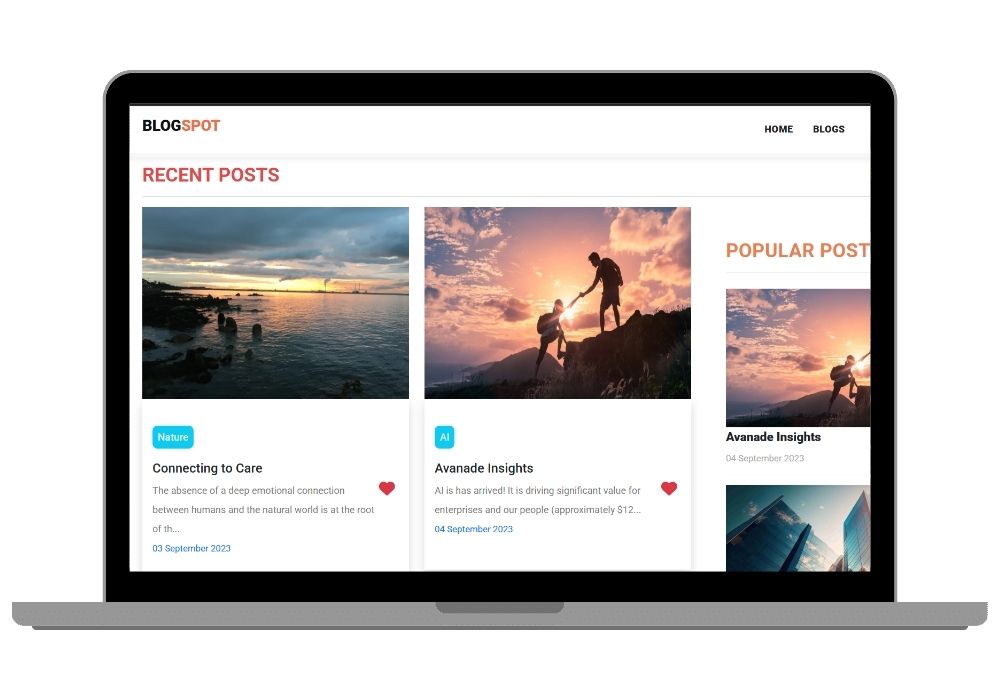
Smart Django Blog CMS Blog Platform Built Around the Django Admin Panel
Django blog platform where users register, publish posts with images, and edit or delete their own. Content moderation runs through Django's built-in admin panel rather than a custom dashboard.
Technology Used
Django | Python | HTML | CSS | JavaScript | SQLite


Project Files
A Django blog where people register, write posts with images, and manage what they have published. The distinguishing thing about this project is that it does not build a custom dashboard for moderation. It uses Django's own admin panel, properly configured, as the content management system.
The Admin Panel Is the Point
Most beginner Django projects treat the admin as something you enable and forget. Here it is the actual CMS. Post models are registered with list displays, filters, and search fields, so an admin can find, edit, or remove any post without a single custom view being written for it.
This matters because Django's admin is one of the strongest reasons to use Django at all, and most students never learn to configure it beyond admin.site.register(Model). Reading this project teaches you what the admin can do when you actually set it up.
If You Are Comparing Django Projects Here
CodeAj sells several Django applications in the same price range and they share a skeleton — user accounts, CRUD, media uploads, SQLite. What changes is the data model and the query logic on top.
This one is the smallest and simplest of them. One main model, straightforward views, no filtering logic. Buy it if you are learning Django and want a complete working app small enough to read in an afternoon.
If you want something with more query work in it, Recipe Finder is the closest cousin — same architecture, but with multi-field filtering across cuisine, prep time and ingredients, plus public user profiles. More to explain in a viva, more to learn from.
What Users Can Do
- Register an account and log in through Django's session authentication
- Write a post with a title, body text, and a cover image
- Edit or delete their own posts, and only their own
- Browse and read every published post on the site
What Admins Can Do
- View, edit, or delete any post from any user
- Manage user accounts, permissions, and groups
- Search and filter posts through the admin list view
- Handle uploaded media files without touching the filesystem directly
How Media Uploads Work
Image uploads go through Django's ImageField, with MEDIA_ROOT and MEDIA_URL configured in settings and the URL patterns wired to serve them in development. This part trips up more beginners than anything else in Django, and having a working reference is genuinely useful. Note that this setup is for development — a production deployment needs a real web server or object storage serving media, which is a good thing to mention in your report.
Technology
- Backend: Python with Django
- Database: SQLite, so there is nothing to install or configure
- Frontend: Django templates with HTML, CSS and JavaScript. No build step
- Admin: Django's built-in admin, configured rather than replaced
- Templates: Split into reusable blocks with static files kept separate
Who Should Buy This
Students in an early web development or Python course, and anyone learning Django who has finished the tutorial and wants a real application to read next. At ₹149 it is also a reasonable base to build your own idea on top of — the auth, media handling, and admin setup are the boring parts, and they are already done.
Skip it if your project needs to be substantial enough for a final year submission on its own. It is a solid foundation, not a finished dissertation project.
Where People Take It Next
Common additions: comments with a foreign key to posts, categories or tags, a rich text editor like CKEditor in place of the plain textarea, draft versus published status, pagination on the post list, and a search bar over post titles and body text. Each of these is a small, self-contained piece of work, which is what makes this a good project to extend rather than just submit.
Frequently Asked Questions
Extra Add-Ons Available – Elevate Your Project
Add any of these professional upgrades to save time and impress your evaluators.
Project Setup
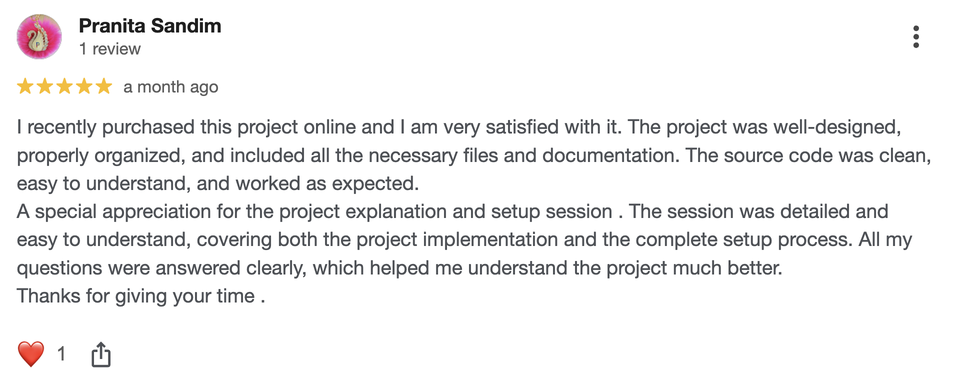
We'll install and configure the project on your PC via remote session (Google Meet, Zoom, or AnyDesk).
Source Code Explanation
1-hour live session to explain logic, flow, database design, and key features.
Want to know exactly how the setup works? Review our detailed step-by-step process before scheduling your session.
₹999
Custom Documents (College-Tailored)
- Custom Project Report: ₹1,500
- Custom Research Paper: ₹1,000
- Custom PPT: ₹800
Fully customized to match your college format, guidelines, and submission standards.
Project Modification
Need feature changes, UI updates, or new features added?
Charges vary based on complexity.
We'll review your request and provide a clear quote before starting work.