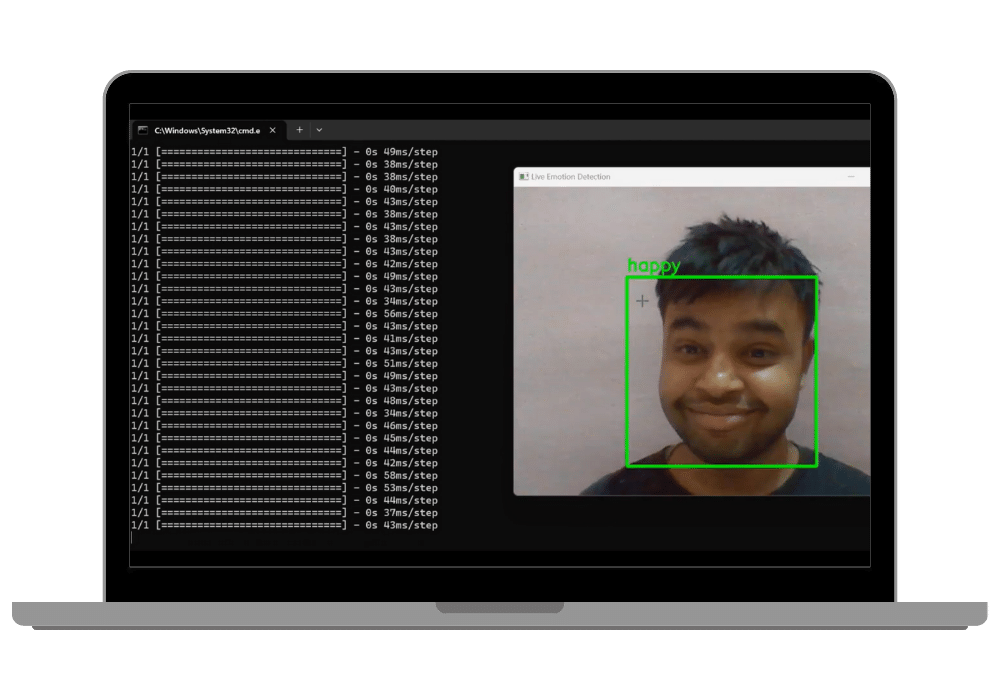
Emotion Detection Real-Time Facial Emotion Recognition with DeepFace and OpenCV (Python Desktop App)
Standalone Python script that opens your webcam, finds faces frame by frame with OpenCV, and passes each one to DeepFace to label an emotion — happy, sad, angry, surprised, fearful, disgusted or neutral. Runs from the terminal with a simple GUI.
Technology Used
Python | Deepface | OpenCV


Project Files
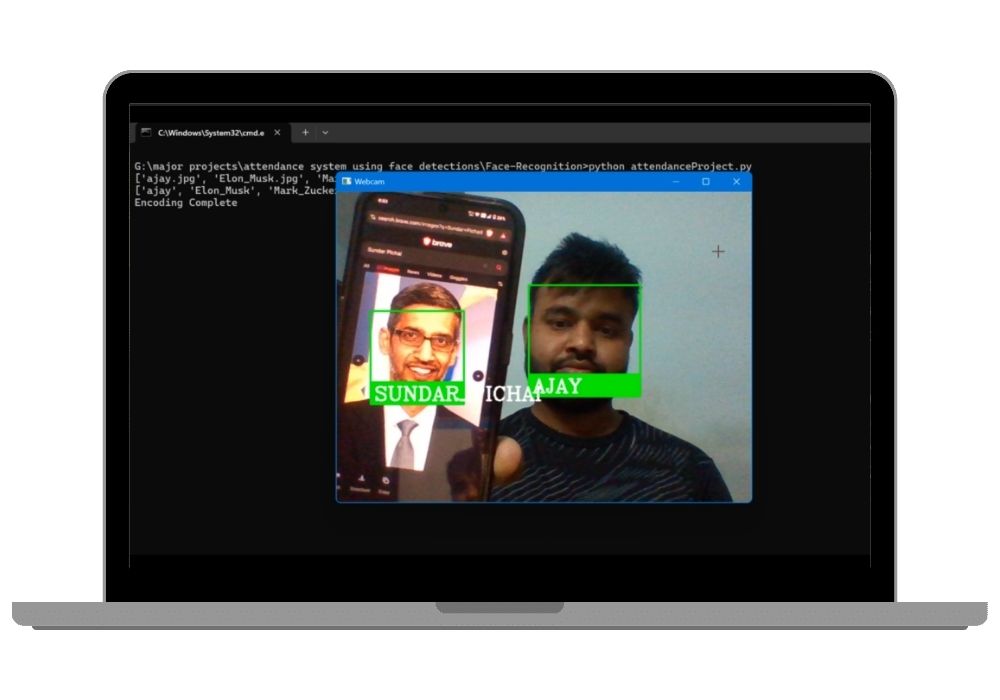
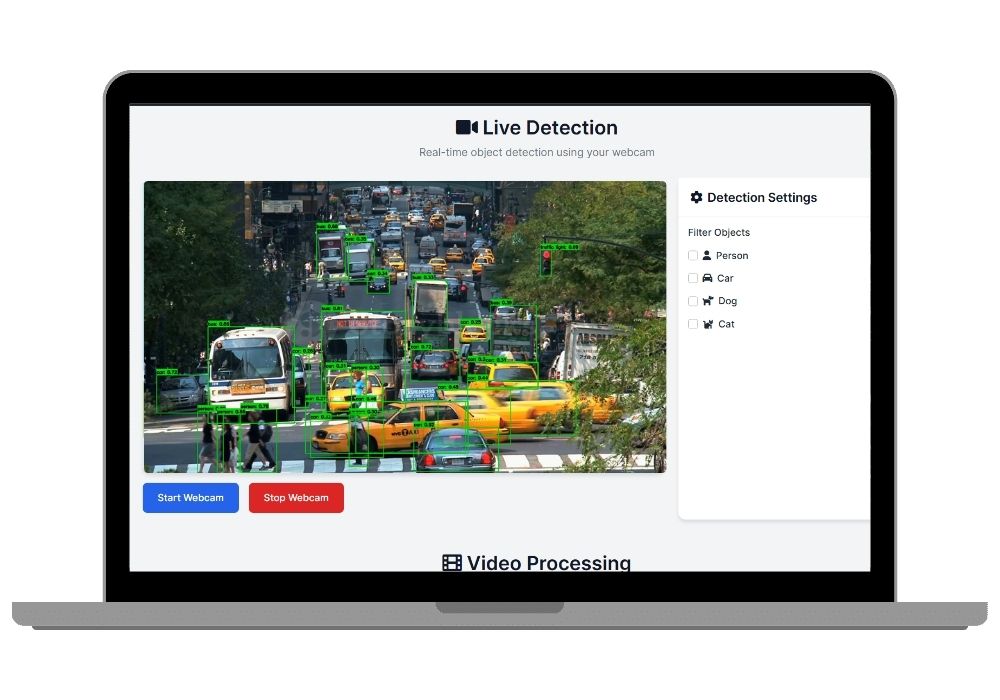
This is a Python desktop application that watches your webcam and tells you what emotion the face in front of it is showing. OpenCV grabs frames and locates faces, DeepFace classifies each one, and the label appears on screen over the video feed. It runs from the terminal. There is no web server involved.
What Separates This From the Other Emotion Projects Here
CodeAj sells several projects that use DeepFace, and they overlap enough that people buy the wrong one. Here is the difference.
This project is the detection engine on its own. It reads emotion and stops there. Nothing is recommended, stored, or acted upon.
The Emotion-Based Movie Recommender takes the same DeepFace layer and wraps it in Django, then maps the detected emotion to film suggestions. That one is a web project with a database. Buy it if your requirement includes a full-stack application. Buy this one if your requirement is computer vision itself, or if you want the cheapest working starting point to build your own idea on top of.
The Seven Emotions
DeepFace returns a fixed set of seven classes: happy, sad, angry, surprise, fear, disgust, and neutral. Each frame produces a confidence score for every class, and the highest one becomes the displayed label. Disgust and fear are the weakest in practice — they are underrepresented in the training data most facial emotion models use, so expect them to fire less often and less reliably than happy or neutral.
How a Frame Gets Processed
- OpenCV captures a frame from the webcam through
cv2.VideoCapture - A face detector locates the face region and returns bounding box coordinates
- The cropped face is handed to
DeepFace.analyze()with the emotion action - DeepFace returns the dominant emotion plus scores for all seven classes
- The label and box are drawn onto the frame and shown in the display window
The loop repeats for every frame. Frame rate depends entirely on your CPU, since this runs without GPU acceleration by default.
An Honest Note About Pretrained Models
DeepFace is a pretrained library. You are not training a neural network here — you are calling one that already exists. That is why the project is ₹99 and why it works within minutes of installation.
Some colleges are fine with this and treat it as an applied computer vision project. Others specifically require you to train and evaluate your own model, and will reject a pretrained wrapper. Check your project guidelines before buying. If your department wants training, evaluation metrics, and a confusion matrix, look at a project where you build the classifier yourself.
What You Get
- Complete Python source code
- GUI for interacting with the detector without editing code
- Support for both live webcam input and static image files
- Documentation covering the code structure and how to modify it
- Installation guide and chat support
Technology
- Language: Python
- Emotion model: DeepFace
- Video and image handling: OpenCV (cv2)
- Hardware: Any webcam. No GPU required
Where People Take It
At ₹99 this is usually bought as a starting point rather than a finished submission. Things students commonly build on top: logging emotions with timestamps to a CSV for later analysis, tracking attention during an online class, triggering different responses per emotion, or wrapping the detector in Flask so it runs in a browser instead of a desktop window. The detection loop is short enough that you can read all of it in one sitting, which is what makes it easy to extend.
Frequently Asked Questions
Extra Add-Ons Available – Elevate Your Project
Add any of these professional upgrades to save time and impress your evaluators.
Project Setup
We'll install and configure the project on your PC via remote session (Google Meet, Zoom, or AnyDesk).
Source Code Explanation
1-hour live session to explain logic, flow, database design, and key features.
Want to know exactly how the setup works? Review our detailed step-by-step process before scheduling your session.
₹1599
Custom Documents (College-Tailored)
- Custom Project Report: ₹1,500
- Custom Research Paper: ₹1,000
- Custom PPT: ₹800
Fully customized to match your college format, guidelines, and submission standards.
Project Modification
Need feature changes, UI updates, or new features added?
Charges vary based on complexity.
We'll review your request and provide a clear quote before starting work.